







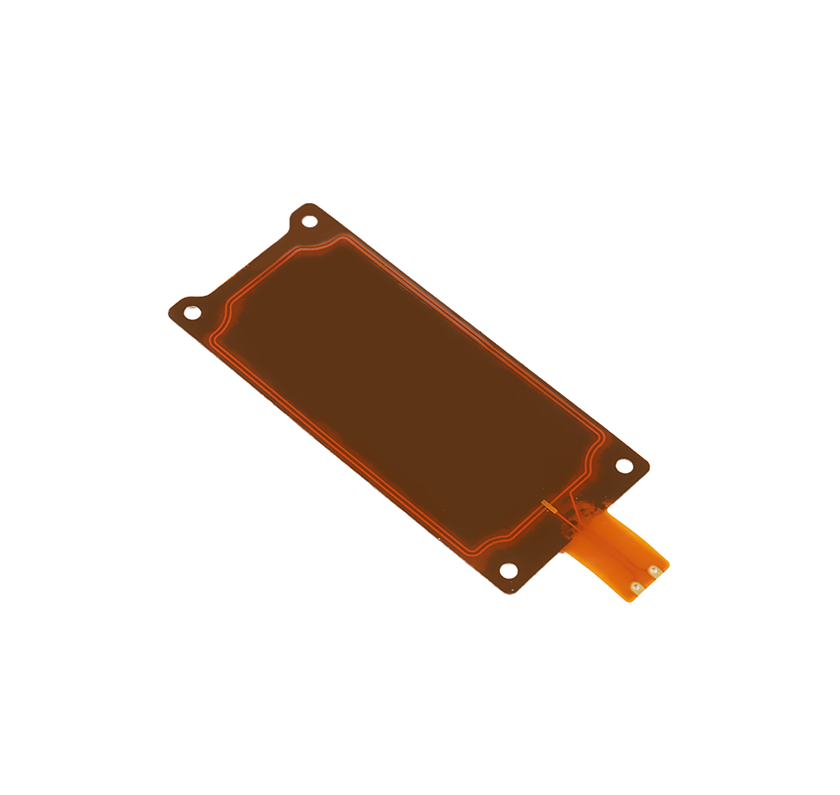
A 2.4 GHz antenna, a 5 GHz Wi-Fi antenna and a 5G cellular antenna are not interchangeable terms. The first two describe operating frequency bands. In cellular communications, “5G” means the fifth generation of mobile network technology. Before choosing an antenna, identify the radio module, the required frequency bands and the installation conditions.
What does each term mean?
2.4 GHz antennas
These antennas are designed for operation around the 2.4 GHz band, used by technologies such as Wi-Fi, Bluetooth and Zigbee. Sharing a frequency band does not make those protocols interchangeable: the radio module determines which protocol the device supports.
5 GHz Wi-Fi antennas
These antennas serve Wi-Fi radios operating in the 5 GHz band. A dual-band Wi-Fi antenna must be designed and tested for both 2.4 GHz and the required 5 GHz frequencies. Permitted channels and operating conditions vary by country.
5G cellular antennas
These antennas must cover the cellular bands used by the modem and target network. 5G includes low- and mid-band deployments as well as higher-frequency deployments. For example, 3.5 GHz is below 6 GHz; 26 GHz and 28 GHz are associated with 5G millimeter-wave deployments and are not sub-6 GHz frequencies. A “5G” label alone does not identify an antenna's supported bands.
Coverage and speed depend on the complete system
Frequency influences propagation, but it does not establish a fixed operating range. Transmit power, receiver sensitivity, interference, antenna placement, cable loss, surrounding materials and obstructions all affect the link.
An antenna also has no standalone Mbps or Gbps rating. Throughput depends on the radio standard, channel bandwidth, modem, network conditions and antenna integration. Compare antenna measurements across the required bands and test the assembled device in its intended environment.
How to choose an antenna for your device
- Identify the radio and bands. Provide the module or modem model, required Wi-Fi frequencies or cellular band numbers, and destination markets.
- Check RF performance. Review impedance, VSWR or return loss, efficiency, gain and radiation patterns across all required bands. A single peak-gain value is not enough.
- Match the installation. Confirm available space, ground-plane requirements, enclosure materials, mounting position and nearby metal.
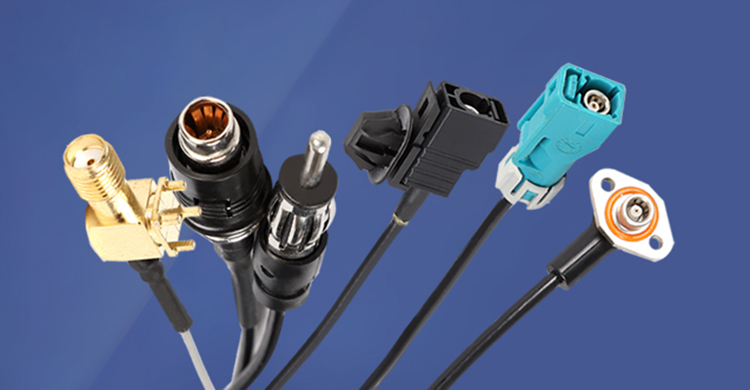
- Specify the connection. Confirm the exact connector and mating interface, cable type, cable length and routing.
- Confirm antenna count. Follow the module's requirements for antenna ports, diversity or MIMO, including placement and isolation.
- Validate the finished device. Use the intended enclosure and cable arrangement for RF testing. For outdoor use, confirm environmental ratings for the selected product and installation.
Frequently asked questions
Is 5 GHz Wi-Fi the same as 5G cellular?
No. 5 GHz refers to a Wi-Fi frequency band, while 5G identifies a generation of cellular technology. Match the antenna to the radio's actual operating bands.
Can one antenna support 2.4 GHz and 5 GHz Wi-Fi?
Yes, when it is a dual-band design with verified performance in both bands. Confirm this in the antenna specification and in the final device.
Can a 2.4 GHz antenna be used for a 5G modem?
Do not assume compatibility. Compare the antenna's tested frequency coverage with every required cellular band and follow the modem manufacturer's antenna requirements.
Discuss your antenna requirements with VLG
Browse VLG's IoT antenna range or contact VLG with your module model, target bands, connector, cable length and mounting requirements. Confirm the selected antenna's specification before sampling or ordering.
Technical references
- Cisco: Wireless RF Reference Guide — Wi-Fi bands and RF planning.
- Qualcomm: 5G modems, RF and antennas — sub-6 GHz and millimeter-wave antenna systems.
More antenna selection guides
Continue with practical integration topics:
Embedded 4G PCB antennas: selection and integration checklist
GNSS timing antennas: signal chain, cable delay and installation
Automotive NFC Antenna Design: Digital Key Integration Guide
NB-IoT and LTE Cat 1 Antennas for Smart Meters
Multi-Band GNSS Antenna Selection and Vehicle Installation
 +86 186 8871 1070


